Troubleshooting
What to Do When the Face Swap Looks Wrong
AI pictures are different every time, and some come out wrong. These steps fix most problems.
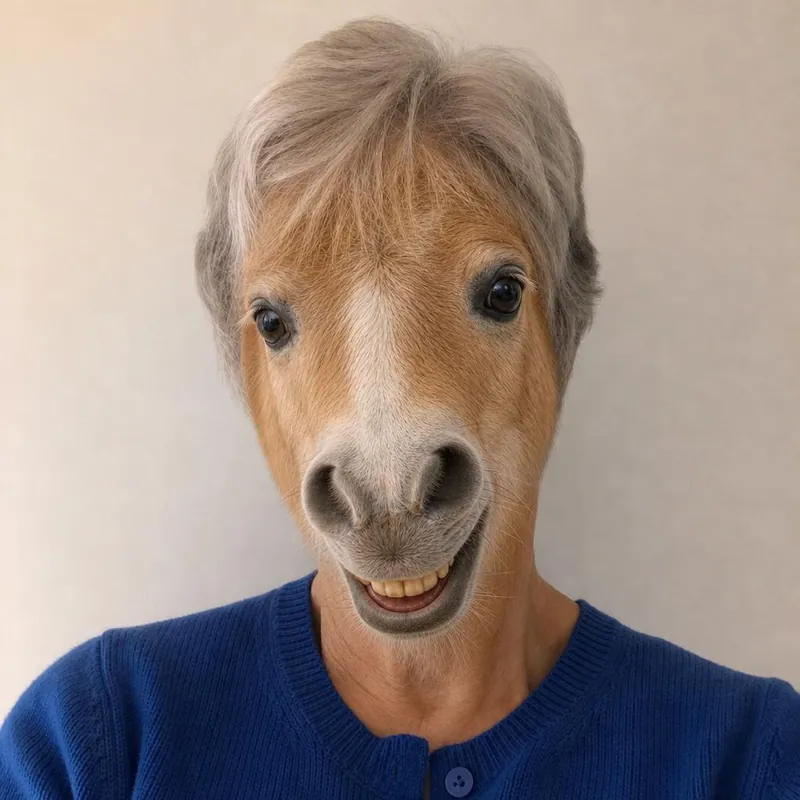
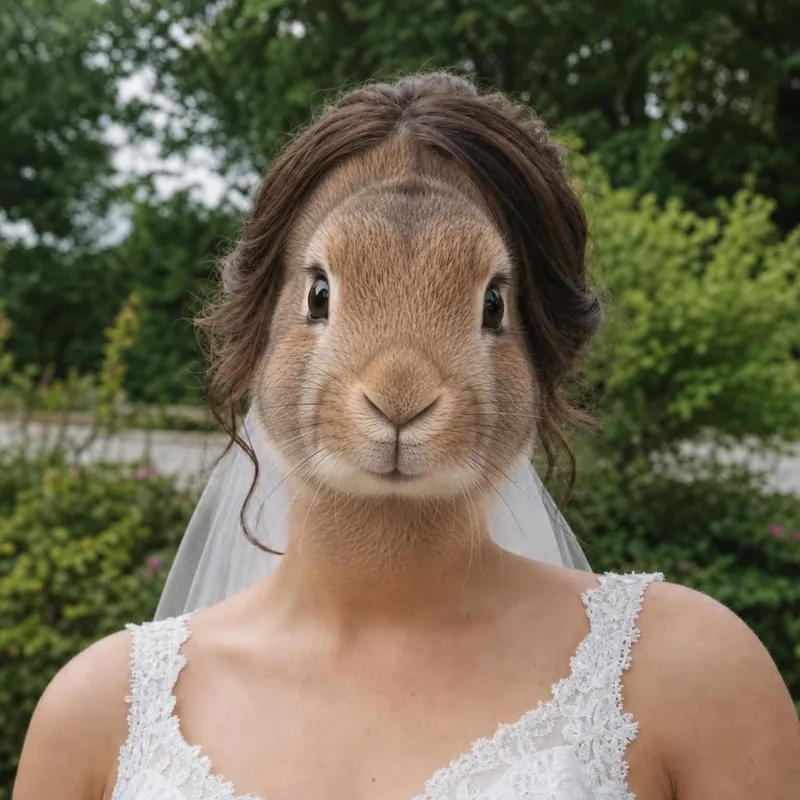
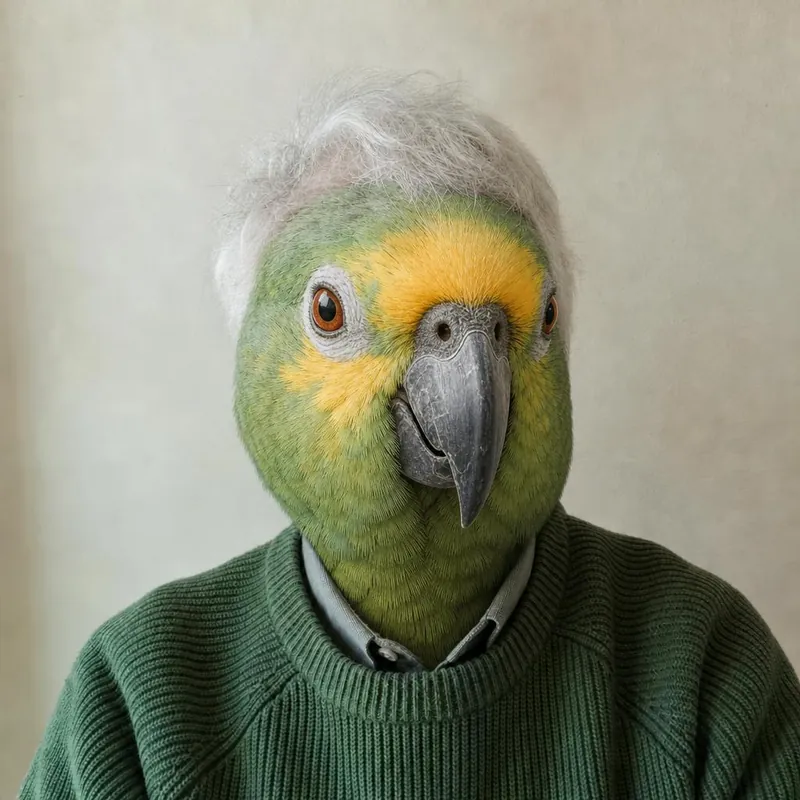
The face was not swapped
Use a photo with a larger, clearer face looking toward the camera. Remove sunglasses, masks and hands from the face.
The wrong face was swapped
In the one person studio, use a photo with only one person. For several people, use the group photo studio.
Clothes or background changed
The AI is asked to keep them but redraws the whole picture. Try again, or use a photo with a simpler background.
The picture was reframed
Results are square. Crop your photo to a rough square with the face near the middle before uploading.
The animal looks odd
Long faces such as a pony's, and beaks such as a parrot's, fit a human head less naturally. Try another animal with the same photo.
Try again before you pay
You can create another preview within the usage limits. Payment does not regenerate or improve a picture.
Ready to see your animal face?
Start with a free watermarked preview. No account needed.
Choose your studio ↗