How-to
How to Swap Your Face with an Animal Face
Putting an animal face on a photo takes one portrait and about a minute of your time. Here is the whole process.
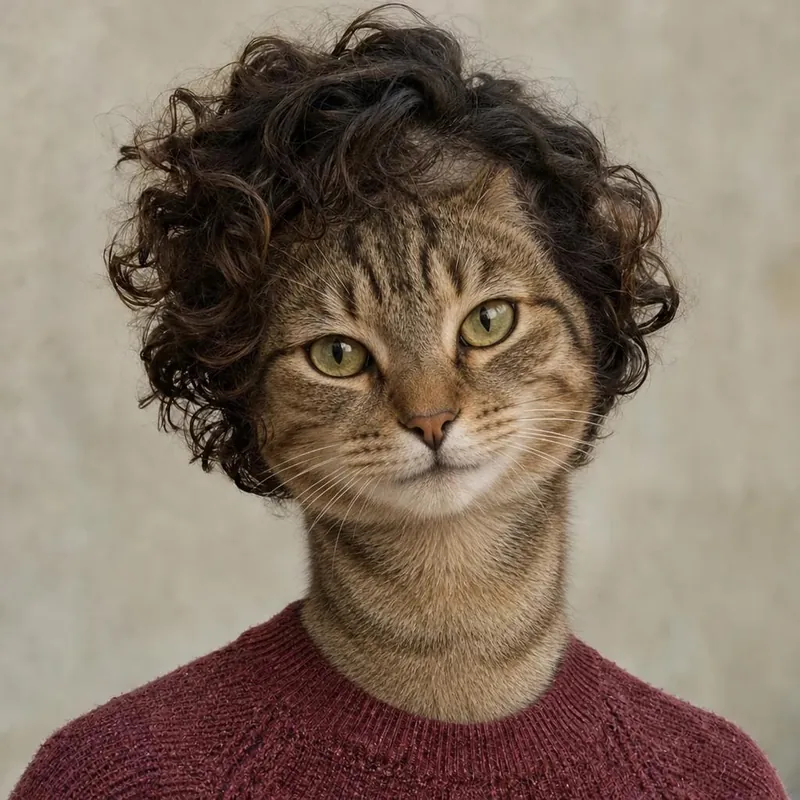
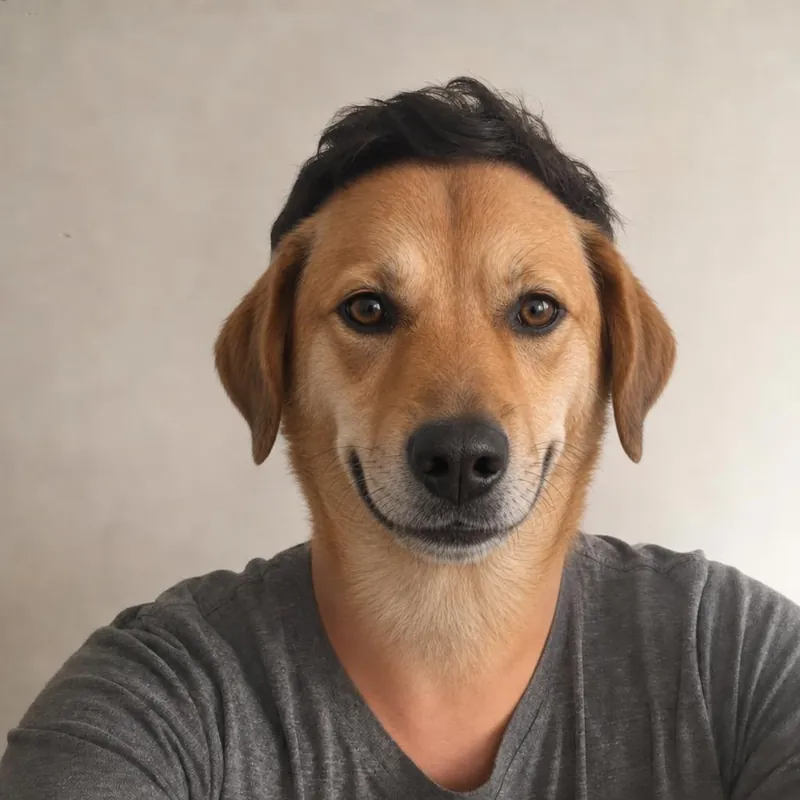
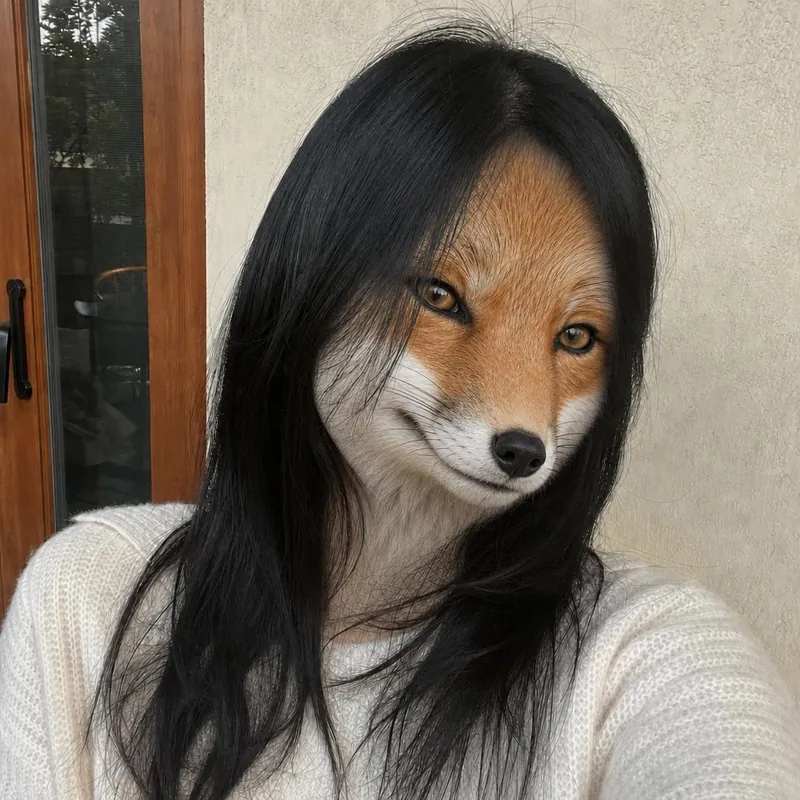
Pick a portrait
Choose a photo with one person, a clear face and even light. The face should be large enough to see the eyes, nose and mouth.
Open the one person studio
Upload the photo. Your browser resizes it before it is sent, and you see a small preview of your upload.
Choose an animal
Pick one of ten animals. If you are not sure, start with Cat or Dog and try another one afterward.
Confirm and create
Tick the permission box and select Create free preview. A quick human check may appear. Generation can take a few minutes.
Look closely at the preview
Check the face, the hairline and the background. The AI makes a new image, so compare it with your photo.
Download or try again
Download the watermarked preview for free, try another animal, or pay US$1 for the watermark-free original. It is available for 72 hours after generation.
Ready to see your animal face?
Start with a free watermarked preview. No account needed.
Choose your studio ↗