Instructions
How to Choose a Different Animal for Each Person
The group photo studio can give each of three people a different animal. Here is exactly how it works.
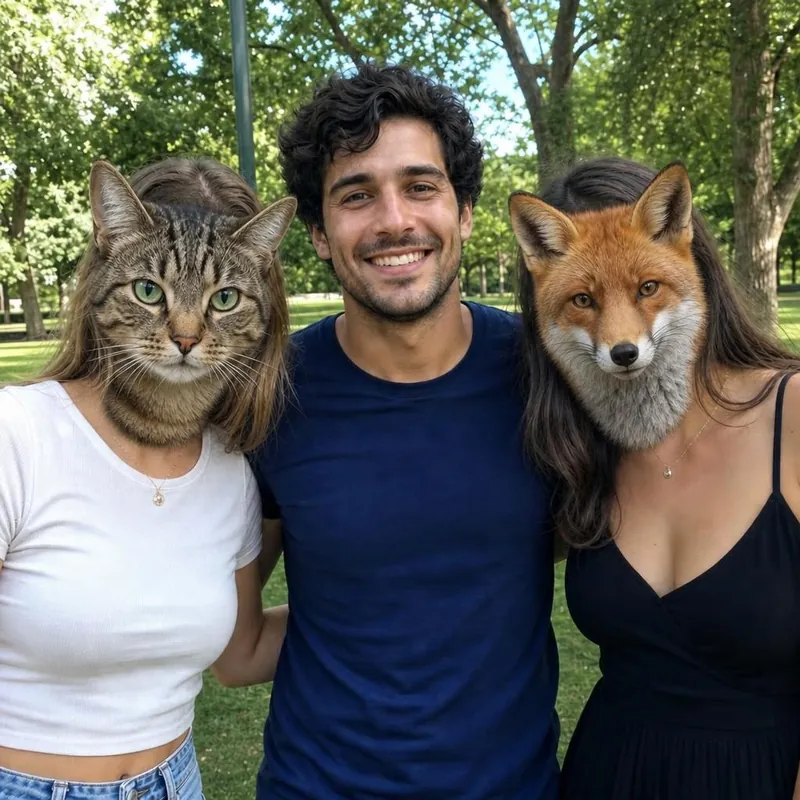
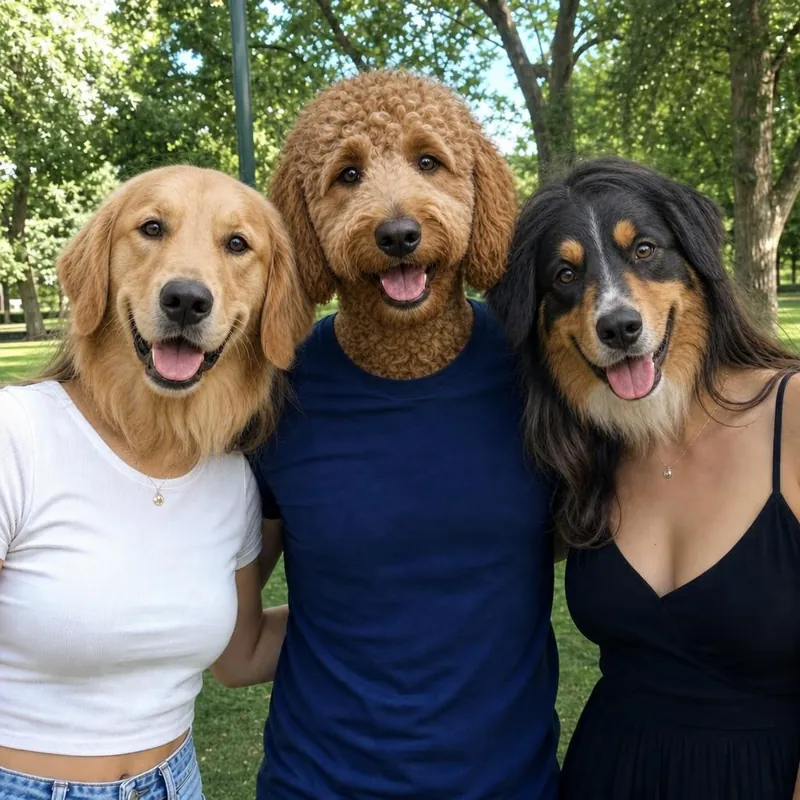
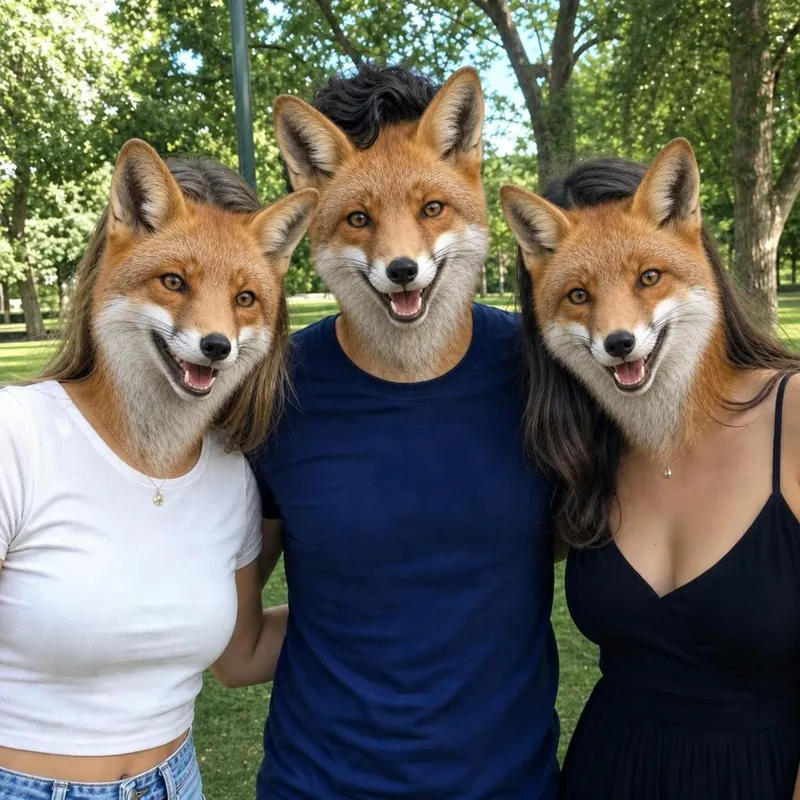
Use a photo of exactly three people
This option works only with three people. For any other number, choose Everyone gets the same animal.
Pick the option
Under Who gets an animal face?, select Choose for each of three people. Three lists appear.
People are counted from the left
The first list is the person on the left of the photo, the second the person in the middle, the third the person on the right.
Keep a face if you like
Choose Keep this face to leave a person unchanged. At least one person must get an animal.
Stand in a row
The AI works out who is who from left to right. Photos where people stand side by side, not one behind another, give the most reliable result.
Check who got what
In the preview, confirm that each person has the animal you chose. The AI can mix up the order. Try again if it did.
Ready to see your animal face?
Start with a free watermarked preview. No account needed.
Choose your studio ↗