Explained
AI Animal Face Swap vs Camera Face Filters
Camera apps have had animal ears and noses for years. An AI face swap works differently and gives a different kind of picture.
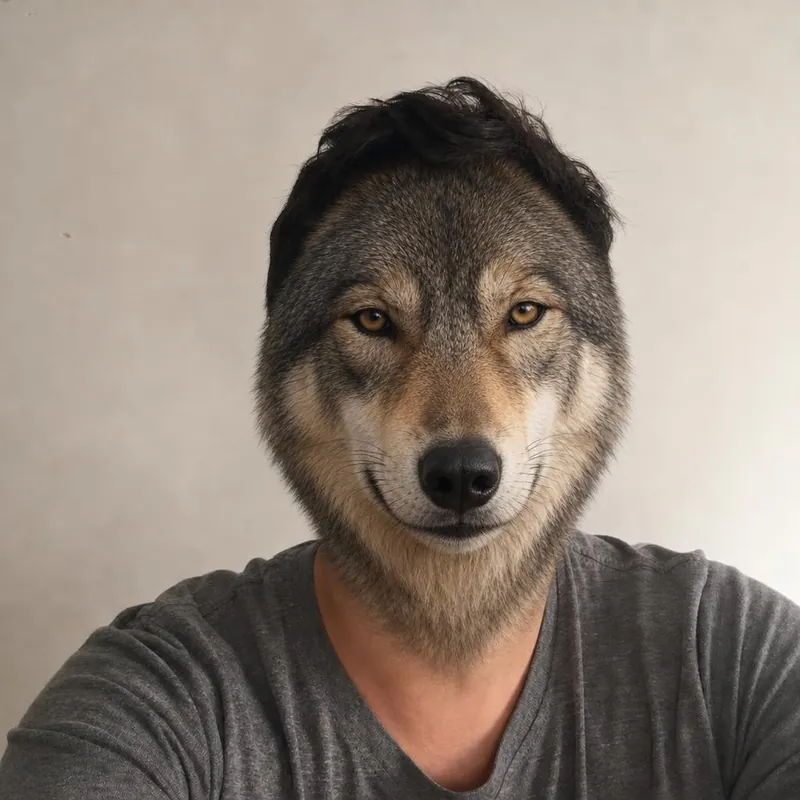
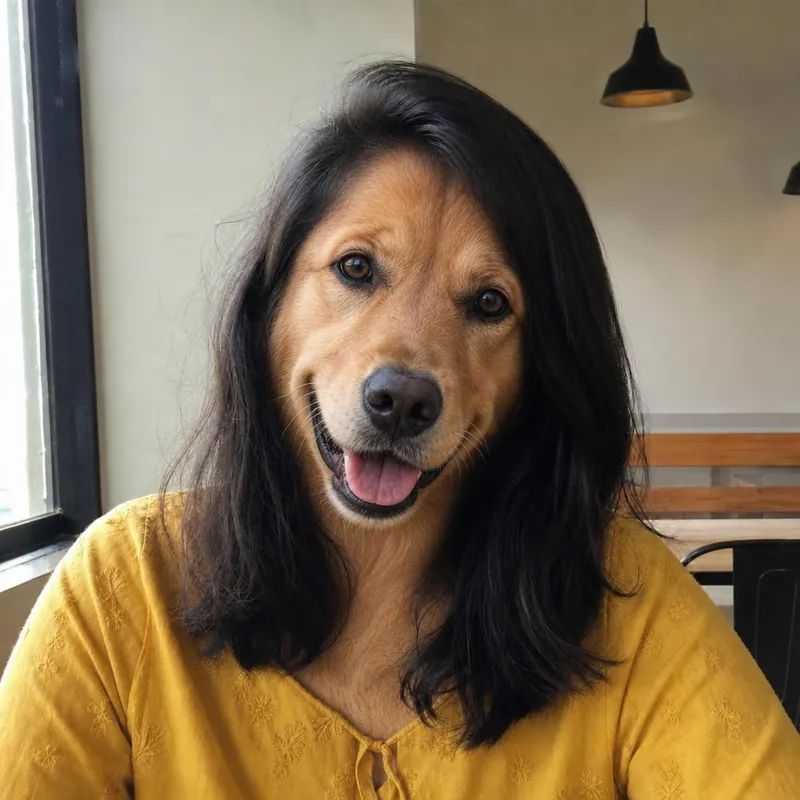
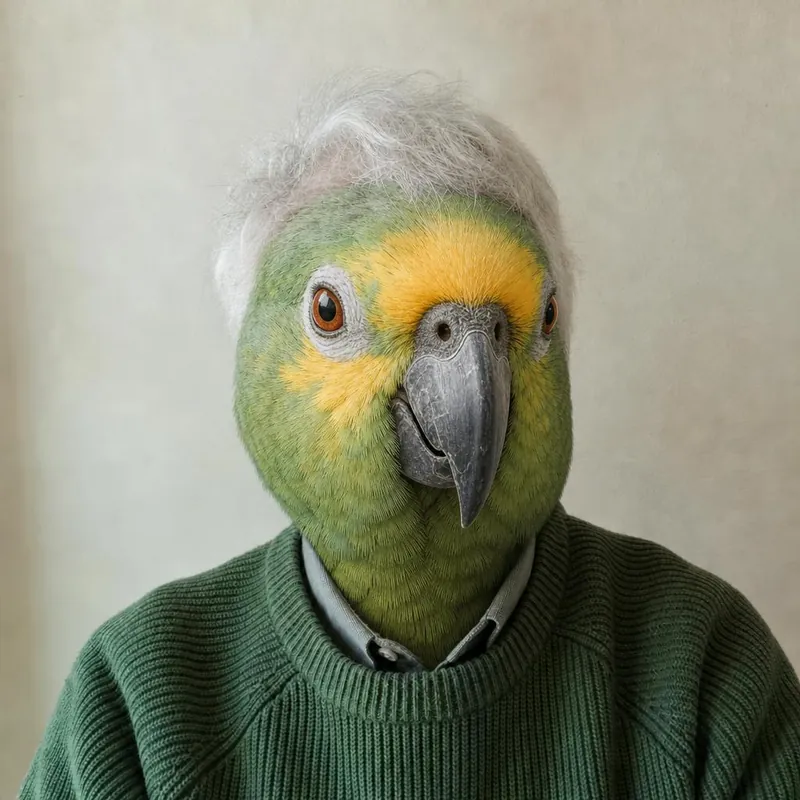
A filter is a live overlay
A camera filter tracks your face and draws ears, a nose or a mask on top of the live video. Your own face is still visible underneath.
An AI swap makes a new picture
Here the AI generates a new still image in which the whole face is a realistic animal face, with fur or feathers, lit like your photo.
No video, no live camera
This website works with one uploaded photo and returns one picture. It does not make videos or work in real time.
Less control, more realism
A filter looks the same every time. An AI result is more realistic but varies, and details outside the face can change.
It takes longer
A filter is instant. An AI picture can take a few minutes to generate.
Which to choose
Use a camera filter for quick video fun. Use an AI swap when you want one striking still picture for a profile, a card or a group chat.
Ready to see your animal face?
Start with a free watermarked preview. No account needed.
Choose your studio ↗