Instructions
How to Do an Animal Face Swap on a Phone
Your selfies are on your phone, and Animal Face Swap works in the phone's browser. There is no app to install.
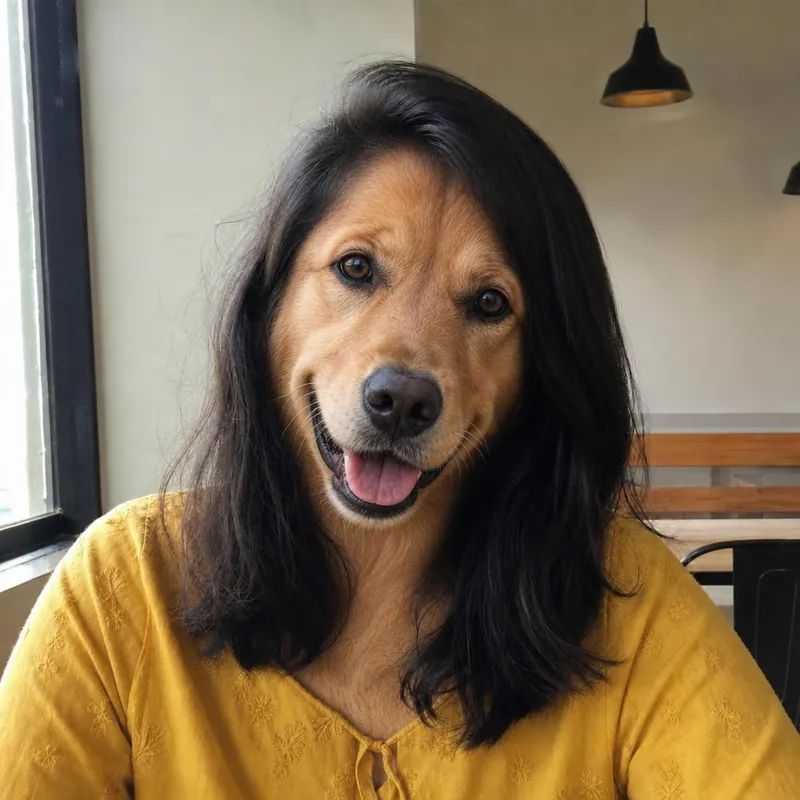
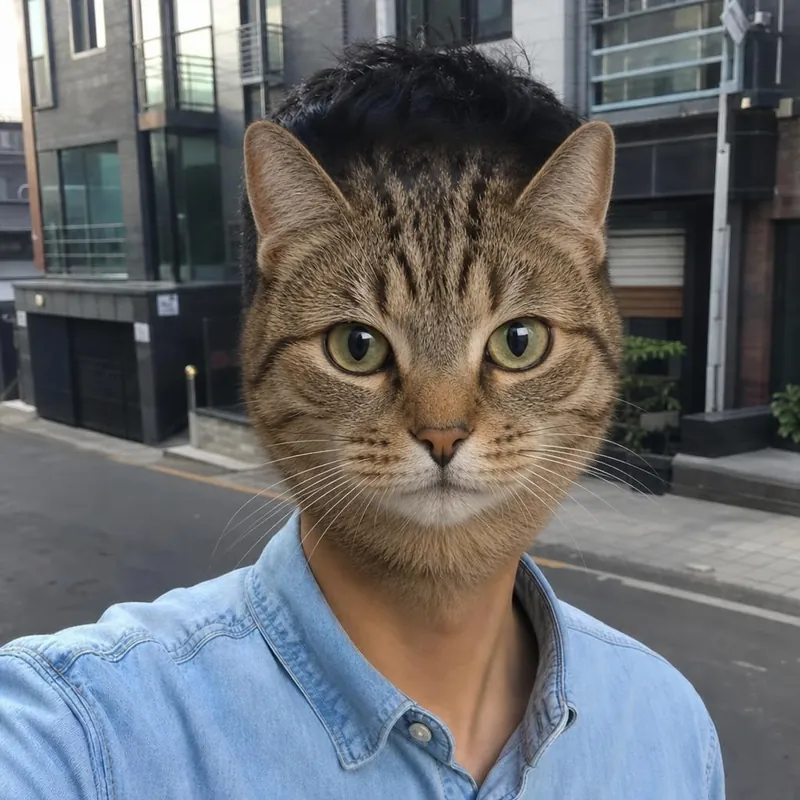
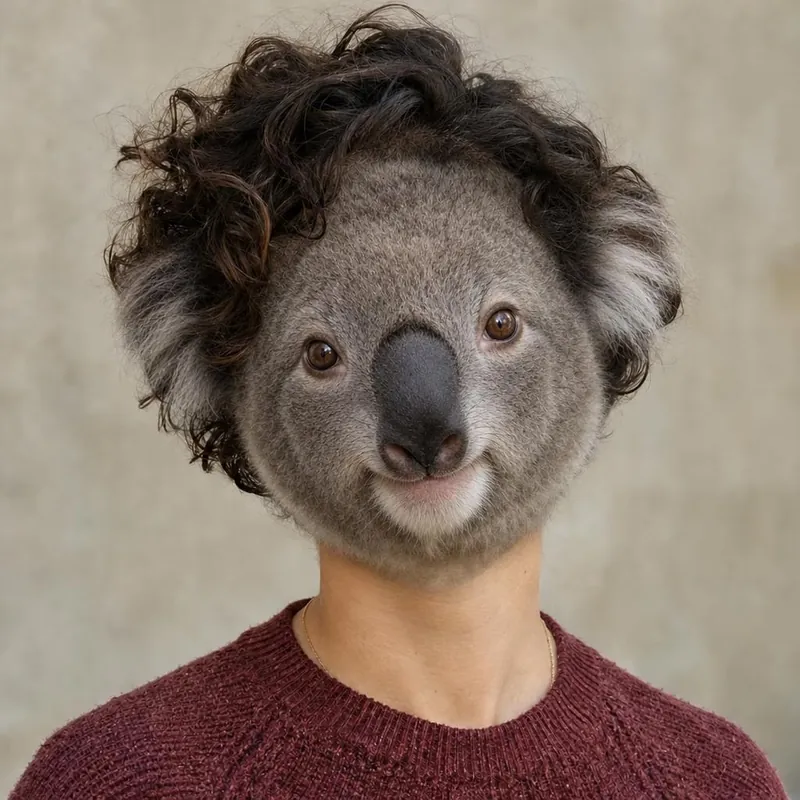
Open the website in your browser
Go to animalfaceswap.com in Safari, Chrome or another browser. Open the menu to choose a studio.
Choose a photo from your library
Tap Choose File and pick a photo from your photo library, or take a new selfie with the camera.
If a photo is refused
The studio accepts JPG, PNG and WebP up to 10 MB. If an iPhone photo is refused, save it as JPG first.
Tap an animal
The animals are shown as pictures. Tap one, confirm that everyone shown has agreed, and tap Create free preview.
Save the picture
Tap Download free preview. Your browser saves it to its downloads, which you find in the Files app on an iPhone or the Downloads folder on Android.
Keep the recovery link
Phones close browser tabs easily. Save the private recovery link if you want to come back within 72 hours.
Ready to see your animal face?
Start with a free watermarked preview. No account needed.
Choose your studio ↗